AI Image Prompt Builder
Build detailed prompts for Midjourney, Stable Diffusion, and DALL-E from a few simple fields. Everything runs in your browser.
About the AI Image Prompt Builder
The AI Image Prompt Builder turns a few structured choices into a clean, comma-joined prompt you can paste into Midjourney, Stable Diffusion, DALL-E, or any text-to-image model. Pick a subject, styles, lighting, and mood, add optional camera and color details, and the tool assembles both a plain prompt and a Midjourney variant with parameters like aspect ratio, version, and a negative term. Everything runs in your browser, so nothing you type is uploaded or stored.
How it works
- Enter your subject and pick one or more style chips, then set lighting and mood.
- Add optional camera or lens, a color palette, extra details, and a negative prompt if you want to exclude something.
- Choose an aspect ratio and Midjourney version; the plain prompt and Midjourney prompt update as you type.
- Click Copy on either output to use it in your image tool.
Features
- Structured fields for subject, style, lighting, mood, camera, color palette, and extra details.
- Multi-select style chips so you can combine looks like cinematic and photorealistic.
- Two outputs at once: a plain comma-joined prompt and a Midjourney prompt with parameters.
- Aspect ratio and version controls that map to --ar and --v, plus --no for the negative prompt.
- One-click copy for each output, with empty fields skipped automatically.
Frequently asked questions
Which image generators is this for?
The plain prompt works with any text-to-image model, including Stable Diffusion and DALL-E. The Midjourney prompt adds parameters such as --ar, --v, and --no that Midjourney reads directly.
What does the negative prompt do?
It lists things you want to keep out of the image, like blur, text, or extra limbs. In the Midjourney output it is added as --no followed by your terms; for other tools you paste it into their negative prompt field.
Do I have to fill in every field?
No. Only the fields you fill are added to the prompt. Empty fields are skipped, so you can start with just a subject and a style and add detail later.
Is my input sent anywhere?
No. The prompt is assembled entirely in your browser with plain JavaScript. Nothing you type is uploaded, saved, or logged.
What do --ar and --v mean in the Midjourney prompt?
--ar sets the aspect ratio, such as 16:9 for widescreen, and --v selects the Midjourney model version. Both come from the selects at the top of the tool.
Guides
Example: a WordCamp banner
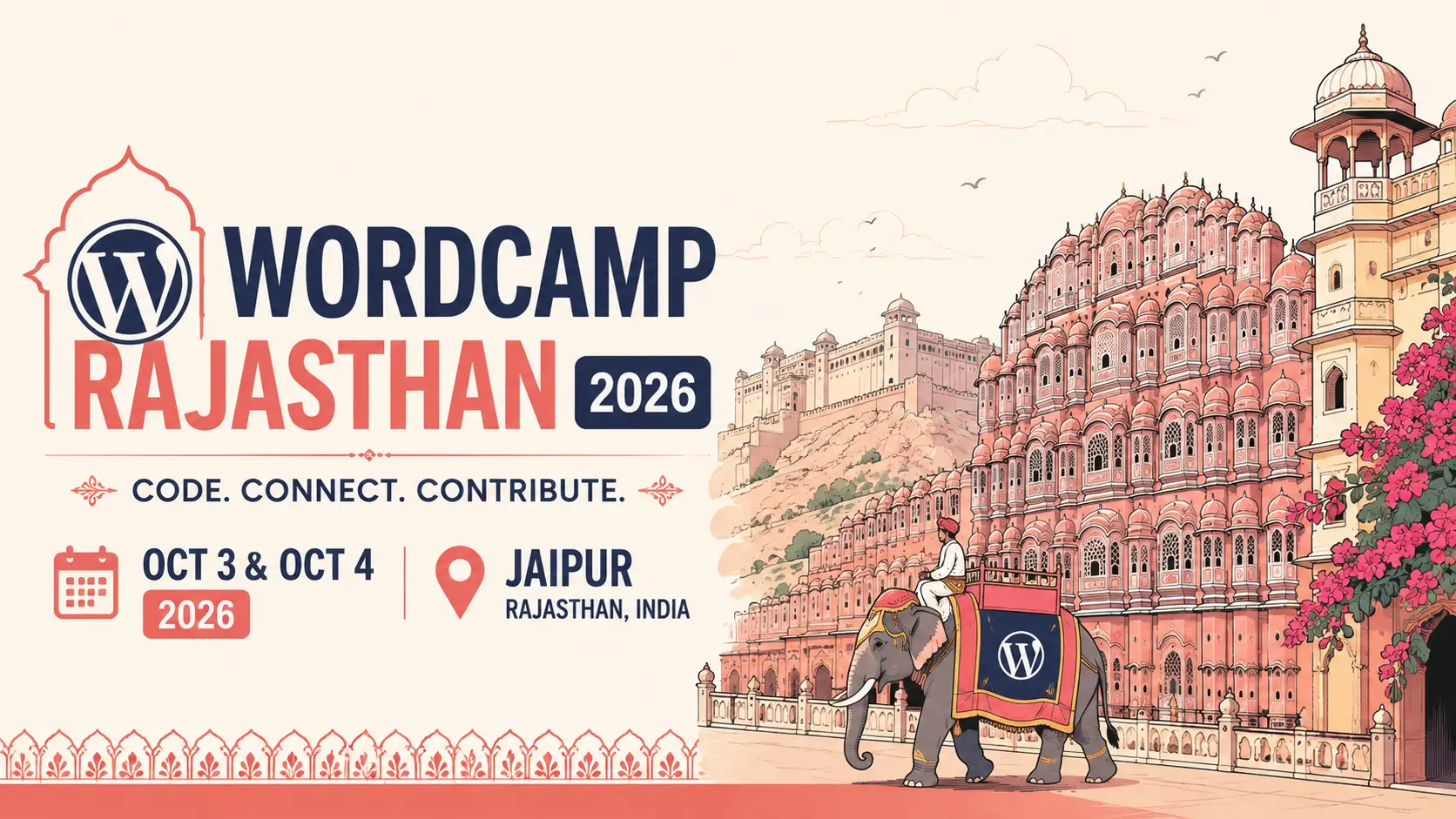
This banner for WordCamp Rajasthan 2026 was made by pasting the prompt below into an image model. Here is the exact output the builder produced. Load it to tweak and make your own.